 For learners
Your training, on your phone
Your company uses Learnrv8 for training: short modules, a couple of minutes each, on your own phone. Here's everything you need to know — it takes five minutes to read.
Signing in — no email needed
You need three things from your manager: the company code, your employee number, and a temporary password. They will also have your mobile number — that is how your training reaches you.
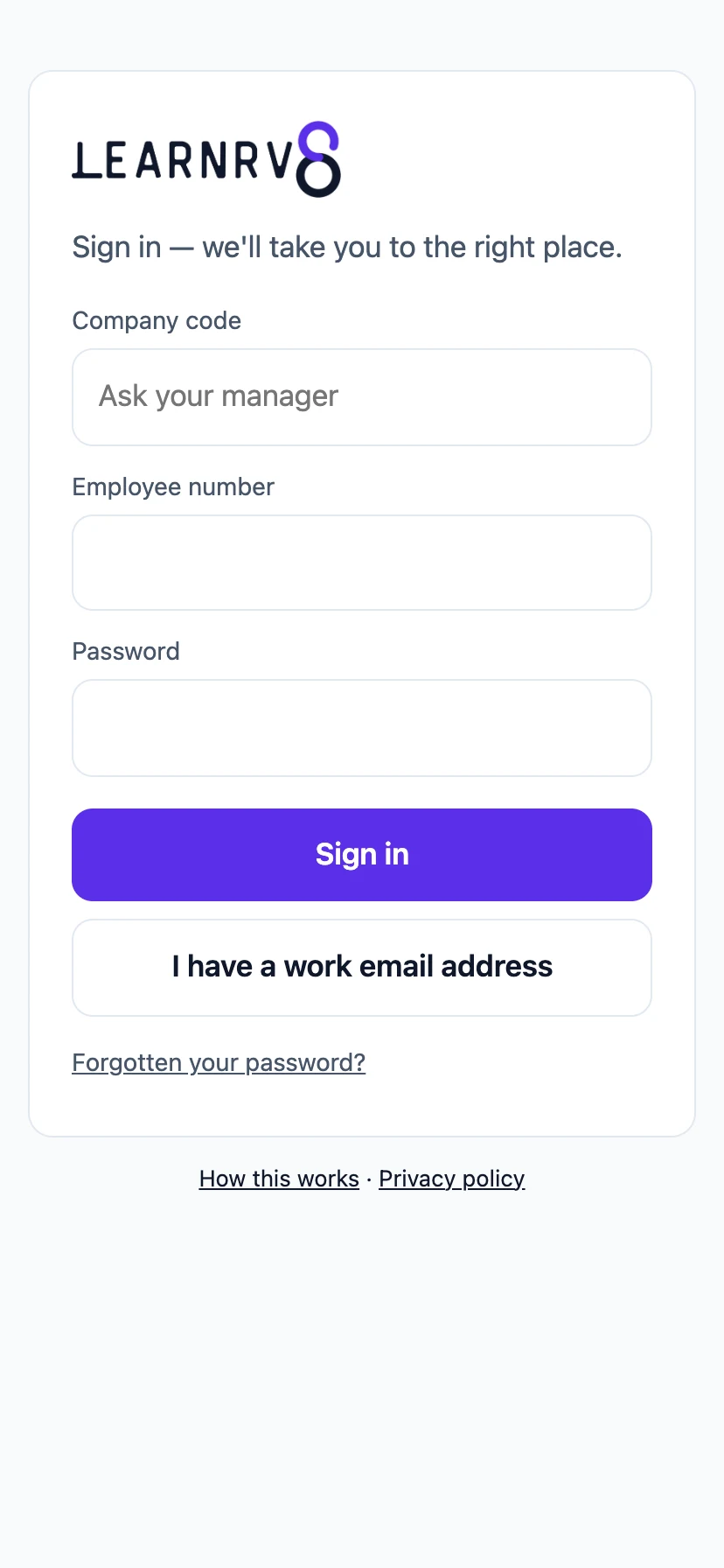
Can't tell what you have typed? Tap the eye inside the password box to read it back before you sign in.
You do not have to remember to check. When your manager assigns you training, we send you a text. Tap the link in it and your training opens — it signs you in, so there is nothing to type. Everything below is for the times you want to open it yourself.
- Open learnrv8.com on your phone and tap Sign in.
- Enter the company code and your employee number, then the password.
- That's it — you land on Today, your list for the day.
Forgot your password? Ask your manager — they can give you a new temporary one in a minute. No email needed.
Training on WhatsApp
You can also do your training on WhatsApp — no sign-in, nothing to install, just your phone's normal messaging. Save +27 74 268 9981 as Learnrv8, then send it a message — anything, even just "hi".
You message first — on purpose. A conversation you start costs nothing for us to reply to, which is exactly why you'll never get a WhatsApp message from Learnrv8 out of the blue. We only ever reply to you.
What happens next depends on whether your mobile number is already on your profile:
- It is: you'll be asked something like "This number is registered for workplace training at [your employer]. Are you [your name]?" with two buttons — Yes, that's me and No. Tap Yes and you're linked, once, for good — you won't be asked again. That first message also includes a link back to this guide, so you can find it again later without having to ask anyone.
- It isn't: you'll be told the number isn't registered yet, and asked to get your manager to add it to your profile, then message again. You'll see that same reply whether the number is completely unknown or matches more than one person — on purpose, so a reply never reveals who is or isn't on the platform.
Once you're linked: modules arrive the same way they do in the app — picture first, then the facts (see Doing a module) — your certificate lands automatically the moment you finish a course (see Your certificate), and if the same number works at more than one employer, Settings in the menu switches between them.
Assigned more than one course? Tap My courses in the menu and you'll be asked which one — pick it and you're straight into that course's own list, with its own tally of what's done. Only assigned one? It opens straight in, same as always.
Today — your list
Today shows what's waiting for you and how long it takes — usually a few minutes, made to fit before a shift or on a break. Learn on back-to-back days and you build a streak.
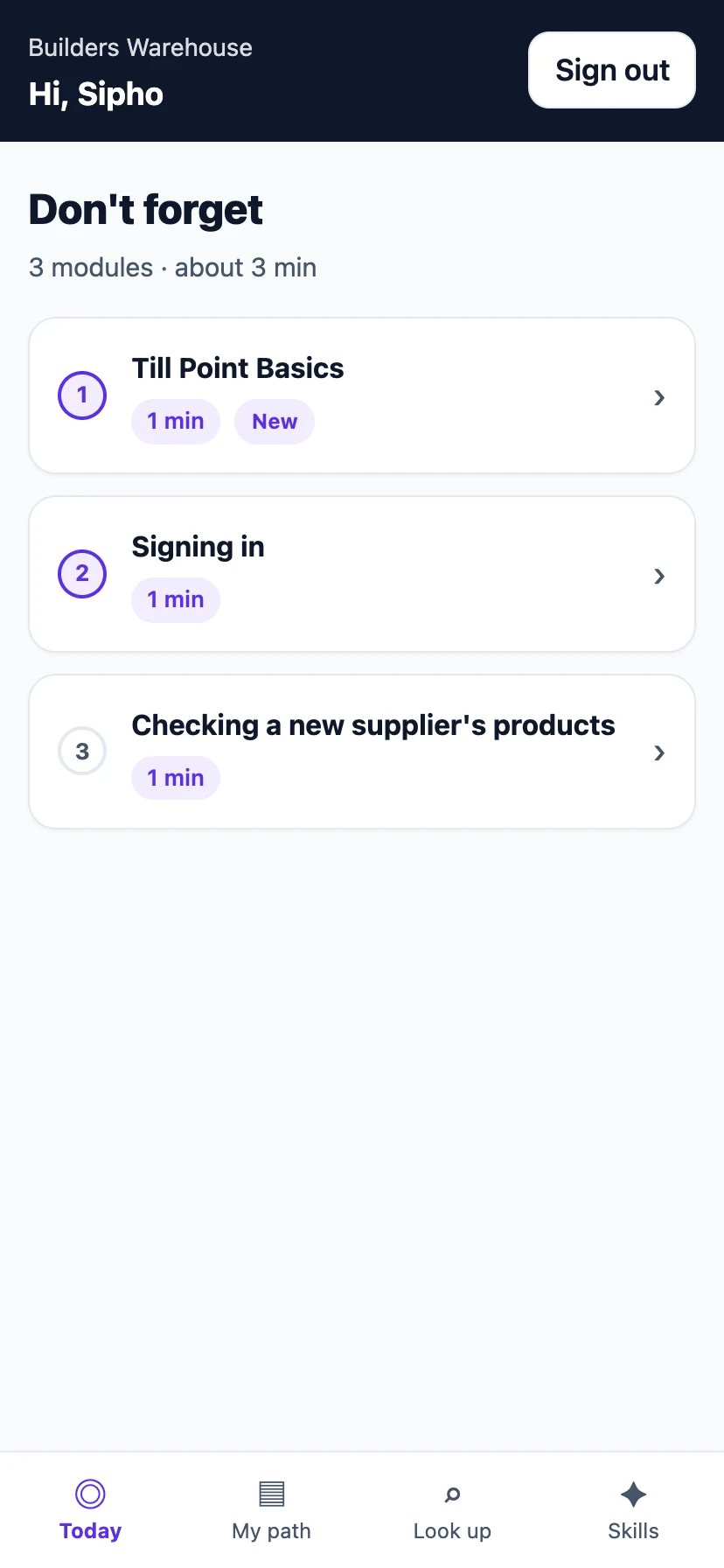
Doing a module
Tap a module and read it: a picture of the product (when there is one), a one-line summary, a few key facts, then Say this — short lines of exactly what to tell a customer. If there's something you must know before you sell it (an allergen, a safety rule, a price restriction), that's its own "Must know" card, right before the check. Nothing to scroll past — each part is short on purpose.
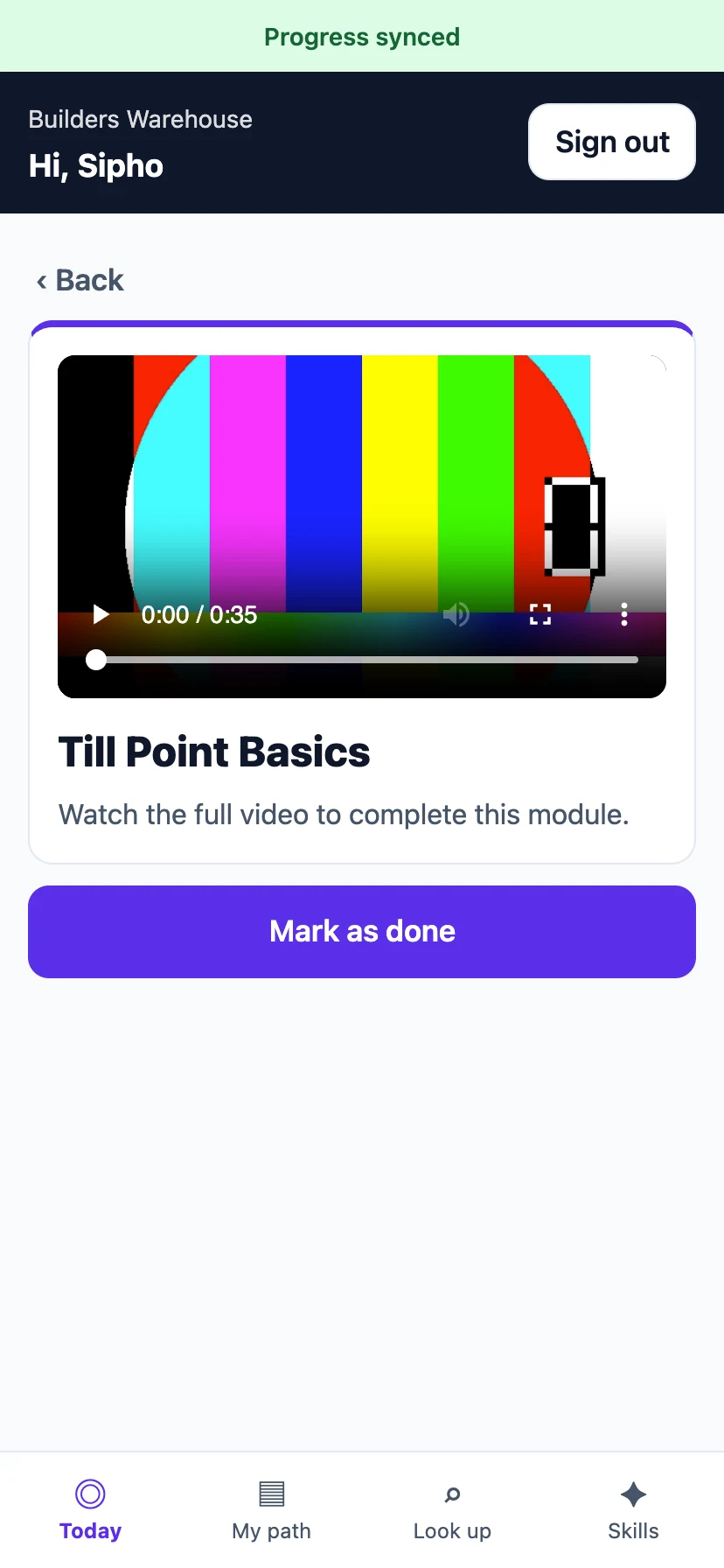
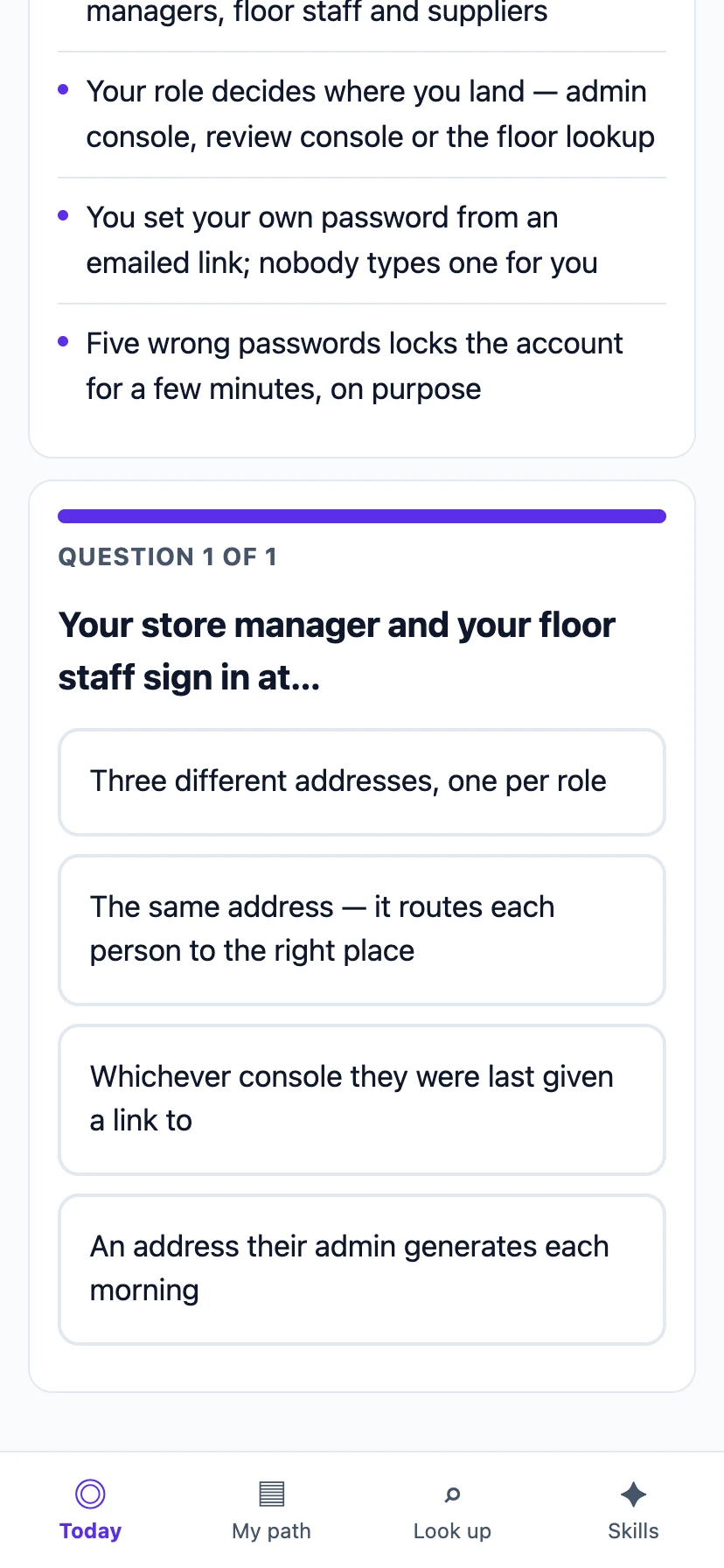
Most modules end with a knowledge check — a few quick questions. Pass it and the module is done. Don't pass? No problem: read again and retake it. Only your pass is what counts.
Why the check matters: every pass is recorded as proof of what you know. It builds your skills record — evidence you can point to, not just a tick in a box.
On WhatsApp too: message Learnrv8 on WhatsApp (see Training on WhatsApp) and you'll get the same module there — picture first, then one short message with the same facts. Product pictures are always included; there's nothing to turn off. Work at more than one workplace on the same number? Tap Settings in the menu to pick which one your training connects to — your progress at the workplace you leave isn't deleted, it just isn't what this chat shows any more, and you can switch back the same way whenever you need to. (If you only work at one workplace, there's nothing to set, so you won't see a Settings option at all.)
My courses, Look up, and Skills
- My courses — every course you've been assigned, step by step, with what's done ticked off. One course looks just like before. More than one, and they're all here — each with its own tally, one after another. Today is just the next few steps, from whichever course you're partway through.
- Look up — a customer asks something and you're not sure? Search every module your company has published and get the answer on the spot.
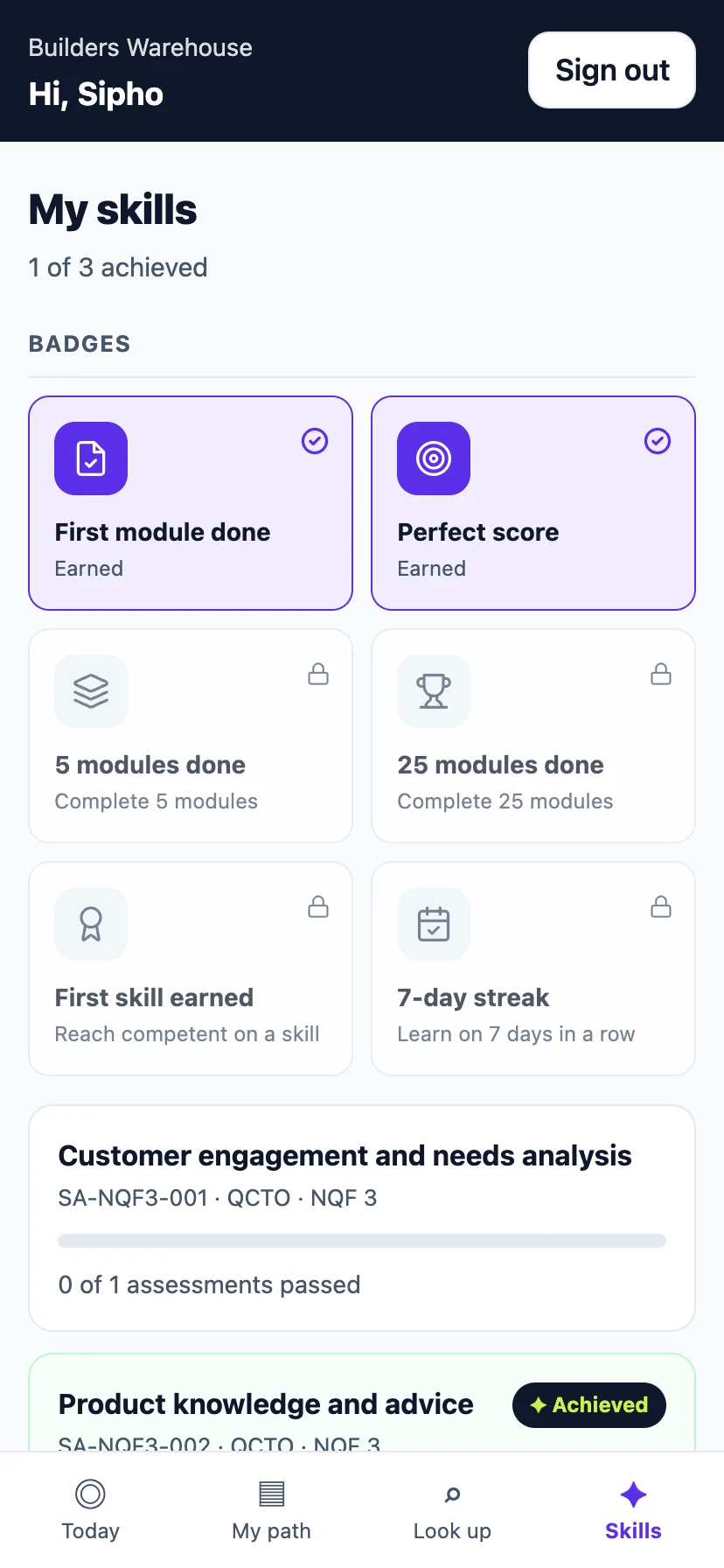
- Skills — your badges, your streak, and the skills you're building. Badges are between you and your record — there's no public scoreboard.
Your certificate
Finish every module in a course and you get a certificate — a proper document with your name, the course you completed, the date, and a certificate ID, in your employer's own name.
- Finish your course on WhatsApp and it lands there automatically — a PDF attached to a message, the moment you finish, with a short note underneath telling you which course it's for. Nothing to ask for; it just arrives.
- What's on it: your name, the course title, how many modules you completed, the date, and a certificate ID. If your training came from one of your company's course partners (say, a product brand whose training you completed), their name appears too — "in partnership with…" — never anyone else's, and never a guess. If that course partner has set up their own logo, you'll see it printed alongside their name; if they haven't, it's just the name, and either way it only ever shows up when your whole course came from that one partner.
- It's your employer's document. Some companies add their own logo and colours; if they haven't, it's still a proper, professional certificate with their name on it. Learnrv8's own name appears only as a small, quiet mark in the corner.
Only on WhatsApp for now: your certificate is issued and saved the moment you finish, however you did your training — but it only lands automatically if you finished on WhatsApp. Finished in the app instead? There's no in-app screen to download it yet; ask your manager if you need a copy before that lands.
No signal? Keep going
The app keeps working when the connection drops — in the stockroom, in the taxi, wherever. Read modules as normal; everything you do is saved on your phone and syncs the moment you're back online. The only thing that waits for signal is the knowledge check, because it's marked for real.
Your own phone, your own data: Learnrv8 stores your training progress and nothing else from your phone. What your company can see is your training record — the same one that builds your skills evidence.
If something's wrong
- Can't sign in? Double-check the company code (ask your manager), and that you're using your employee number. Still stuck — your manager can reset your password.
- Nothing on Today? One of two things. If you've been assigned training before, nice work — you're up to date, and new training appears here the moment it's assigned. If Today has always been empty, you haven't been assigned anything yet — that's your manager's doing, not yours, so ask them if you're expecting something.
- Something looks broken? Tell your manager or Admin — they can reach Learnrv8 support directly.